Best Free Online Developer Tools — No Signup, 100% Client-Side (2026)

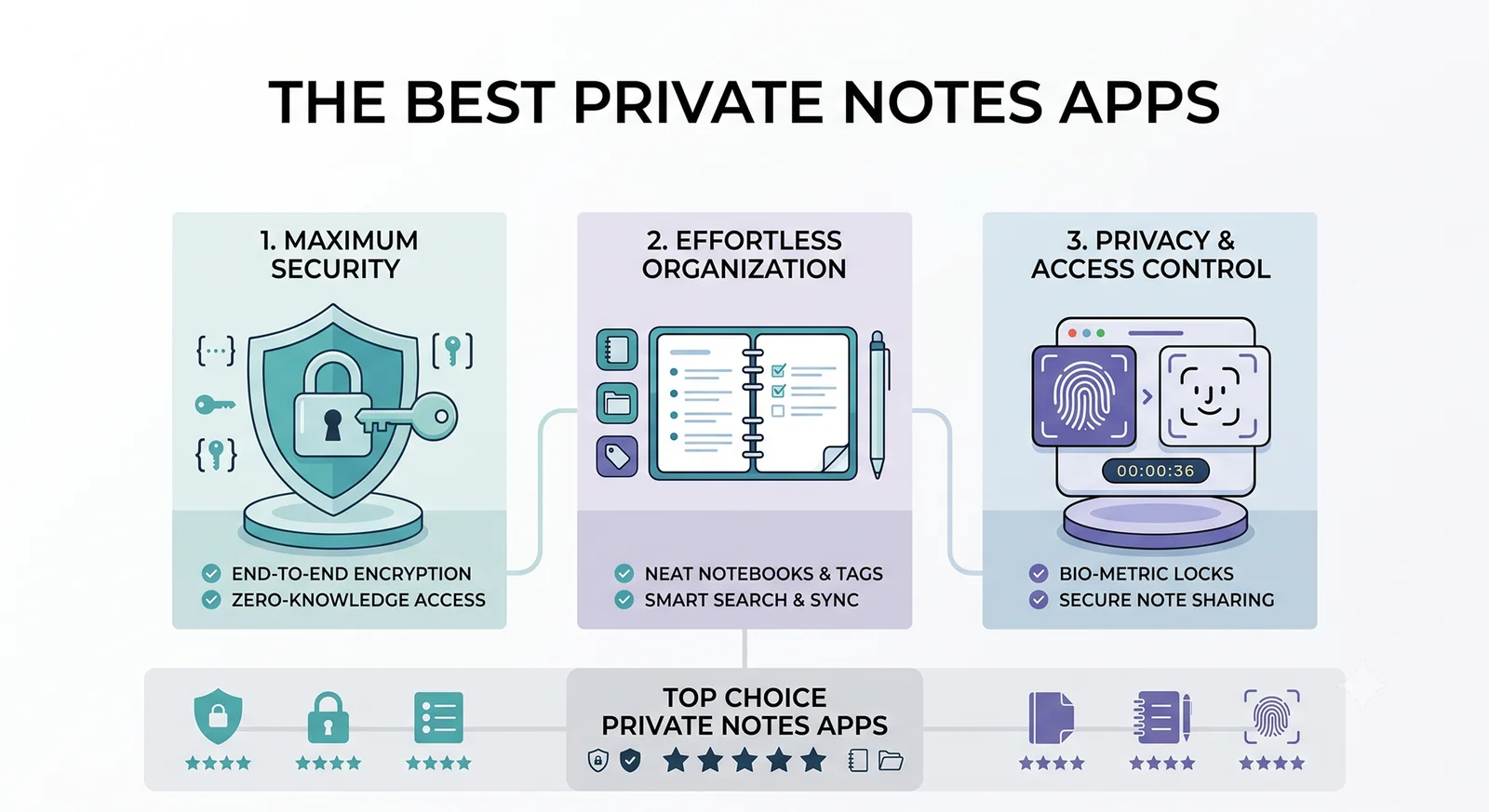
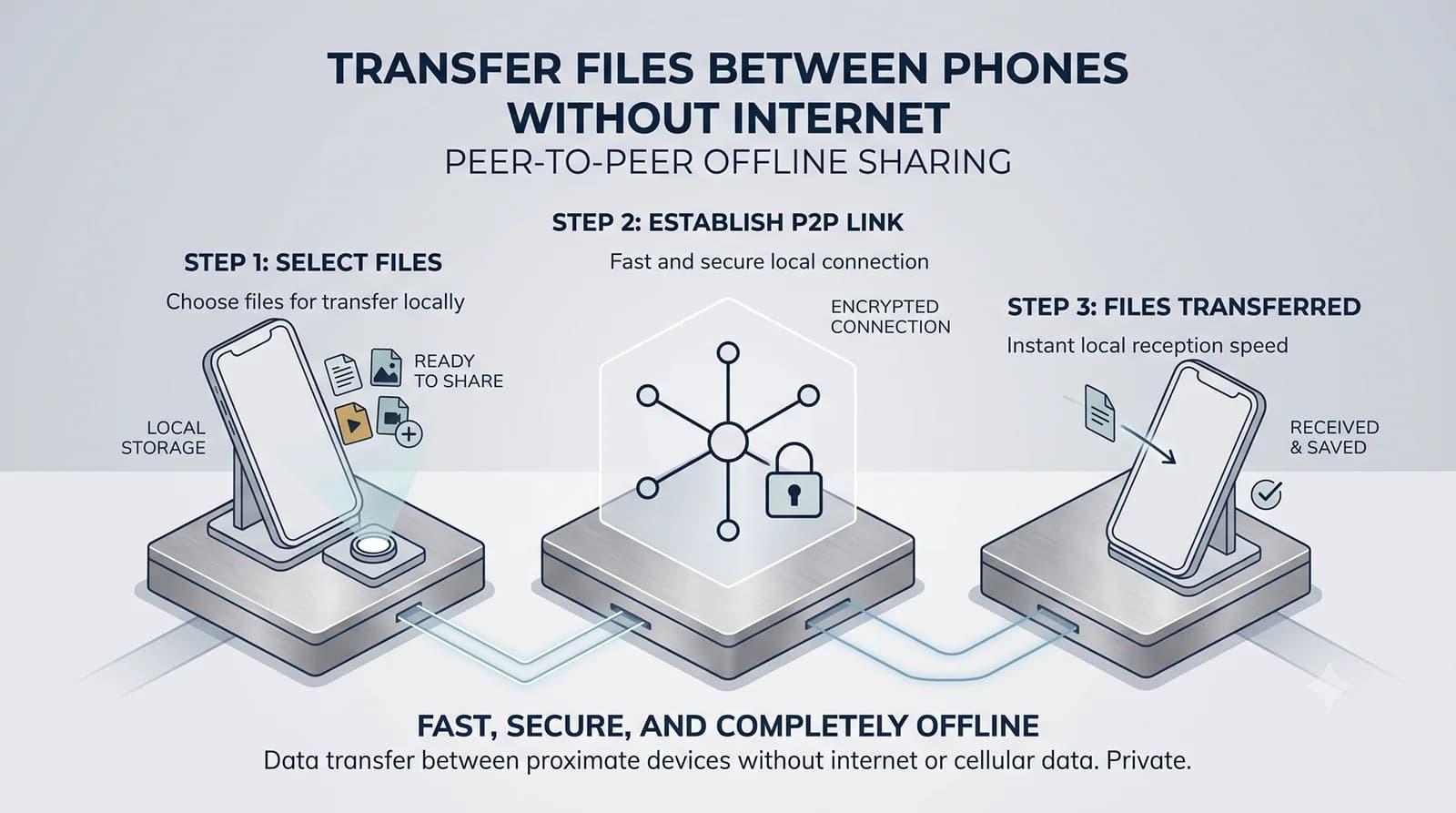
The best free online developer tools in 2026 are the ones that never see your data. Client-side developer tools process everything locally in your browser — your JSON payloads, API keys, regex patterns, and hash inputs never leave your machine. No server logs. No signup walls. No data harvesting disguised as a “free tool.”
In this guide, we break down the best privacy-first, client-side developer utilities available today — organized by category, with honest recommendations and a sharp focus on tools that actually respect your workflow and your data.
Why Client-Side Developer Tools Matter More Than Ever
Most “free online developer tools” operate on a simple trade: you paste your data, and their server processes it. What happens to that data afterward? In most cases, you have no idea. Server logs capture your inputs. Analytics track your usage patterns. Some tools even monetize aggregated data.
Client-side tools eliminate this risk entirely. They use modern browser APIs — like the Web Crypto API, TextEncoder, and the DOM — to execute operations directly in your browser tab. Your data never touches a network socket. This approach delivers three key benefits:
- Zero latency: No network round-trips means instant results, even on slow or offline connections.
- Complete privacy: Sensitive data like API tokens, environment variables, and proprietary JSON structures stay on your device.
- No dependencies: No accounts, no API rate limits, no service outages. If your browser works, the tool works.
With that context, here are the best free developer tools across every major category — all verified to run 100% client-side with no signup required.
- JSON Formatter and Validator
JSON formatting is probably the single most common developer micro-task. Whether you are debugging API responses, inspecting configuration files, or preparing mock data, a clean JSON formatter saves minutes every day.
What to look for: Syntax validation with clear error reporting, configurable indentation (2-space vs. 4-space vs. tabs), minification, and the ability to handle large payloads without freezing the browser tab.
DevutiliX includes a high-performance JSON formatter and validator that handles deeply nested structures with syntax highlighting, collapsible tree views, and instant error pinpointing — all processed locally in your browser with zero server communication.
Alternatives: JSON Editor Online (feature-rich, good for editing), JSONLint (classic validator with clear error messages), and JSON Treehouse (handles malformed JSON and large JSONL files gracefully).
- Hash Generator (SHA-256, SHA-512, MD5)
Hash generation is essential for file integrity verification, password security workflows, and checksum validation. In 2026, the browser’s native Web Crypto API makes it possible to generate SHA-256 and SHA-512 hashes at near-native speed without importing any external library.
What to look for: Support for multiple hash algorithms (MD5, SHA-1, SHA-256, SHA-384, SHA-512), text and file hashing, and clear hex or Base64 output formatting.
DevutiliX’s hash generator supports all major hash algorithms and leverages the Web Crypto API for hardware-accelerated performance. Your input text never leaves the browser. We wrote a complete technical deep-dive on how browser-native hashing works under the hood if you want to understand the architecture.
Alternatives: CyberChef (the “Swiss Army Knife” — supports chaining hash operations into multi-step recipes) and ToolCove (clean UI with privacy-first execution).
- Base64 Encoder and Decoder
Base64 encoding is everywhere — from embedding images in CSS to decoding JWT payloads to handling binary data in APIs. A reliable Base64 tool should handle both text-to-Base64 and Base64-to-text conversions, plus support file encoding for images and binary assets.
What to look for: Bidirectional encoding/decoding, file upload support (drag-and-drop for images), URL-safe Base64 variants, and clear output formatting.
DevutiliX provides instant Base64 encoding and decoding with support for both standard and URL-safe variants, plus file-to-Base64 conversion. Everything runs client-side using the browser’s native btoa() and atob() functions.
- Regex Tester and Debugger
Regular expressions are notoriously difficult to get right. A good regex tester provides real-time match highlighting, capture group extraction, and flag configuration (global, case-insensitive, multiline) so you can iterate on patterns without constantly switching between your editor and a test file.
What to look for: Real-time highlighting as you type, match group extraction, substitution preview, and support for JavaScript’s regex flavor (including ES2024+ features like named groups and lookbehinds).
DevutiliX includes a real-time regex tester with instant match highlighting and capture group visualization, executed entirely in-browser using JavaScript’s native RegExp engine.
Alternatives: Regex101 remains popular for its multi-language support and community pattern library, though it processes patterns server-side. For a fully local alternative, RegExr is a solid choice with a clean interface and cheat sheet.
- JWT Decoder
JSON Web Tokens are ubiquitous in modern authentication flows. Debugging JWTs requires splitting the token into its header, payload, and signature components, decoding the Base64url segments, and inspecting claims like exp, iat, and sub.
Privacy warning: JWTs often contain sensitive user identifiers, roles, and session data. Never paste production JWTs into a server-side tool. Always use a client-side decoder.
DevutiliX’s JWT decoder splits, decodes, and formats JWT tokens instantly in-browser. It highlights expiration status and formats the payload as readable JSON — with zero network transmission.
- URL Encoder and Decoder
Working with query parameters, redirect URLs, and encoded paths is a daily occurrence in web development. A fast URL encoder/decoder that handles both encodeURIComponent and full URI encoding saves constant trips to the MDN docs.
DevutiliX handles both standard and component-level URL encoding/decoding with instant results.
- Color Converter and Picker
Frontend developers constantly convert between HEX, RGB, HSL, and OKLCH color formats. A client-side color converter with a visual picker eliminates the guesswork and context-switching between design tools and code editors.
DevutiliX includes a multi-format color converter that handles HEX, RGB, HSL, and CMYK conversions with a live preview swatch.
- Diff Checker
Comparing two versions of a configuration file, API response, or code snippet is a common debugging task. A browser-based diff checker that highlights additions, deletions, and modifications line-by-line is invaluable — especially when you do not want to install a desktop application or paste proprietary code into a third-party server.
DevutiliX offers a side-by-side text diff tool with syntax-highlighted change detection, processed entirely in your browser.
- Timestamp and Date Converter
Converting between Unix timestamps, ISO 8601 strings, and human-readable dates is a surprisingly frequent task when working with APIs, databases, and log files. A good converter should handle millisecond and second precision, timezone offsets, and relative time display.
DevutiliX provides bidirectional timestamp conversion with timezone support and relative time formatting — all using the browser’s native Date and Intl.DateTimeFormat APIs.
- UUID and Random Data Generator
Generating UUIDs, random strings, passwords, and mock data is essential for testing and prototyping. Modern browsers provide crypto.randomUUID() and crypto.getRandomValues() for cryptographically secure random generation — no external service needed.
DevutiliX generates UUIDs (v4), random strings, and secure passwords using the browser’s cryptographic random number generator — true randomness with zero server involvement.

The All-in-One Alternative: Why Developer Toolboxes Are Replacing Single-Purpose Sites
The biggest shift in the online developer tools landscape in 2026 is the move from single-purpose websites to comprehensive, all-in-one toolboxes. Instead of bookmarking 15 different sites — one for JSON, one for Base64, one for hashing — developers are gravitating toward unified platforms that keep everything in one place.
This trend is driven by practical concerns. Fewer bookmarks. Consistent UI across tools. One privacy policy to trust instead of fifteen. And critically: a single guarantee that everything runs client-side, rather than having to verify each individual tool’s data handling practices.
DevutiliX is built exactly on this principle. It is a comprehensive suite of 20+ developer utilities — JSON formatting, hash generation, Base64 encoding, regex testing, JWT decoding, color conversion, diff checking, and more — all executed 100% client-side in your browser. No signup. No server logs. No data transmission. Built and maintained by Veridicus Lab, an independent software lab focused exclusively on privacy-first tools.
How to Verify a Tool Is Actually Client-Side
Not every tool that claims to be “client-side” actually is. Here is how to verify before pasting sensitive data:
- Open browser DevTools (F12) → Network tab. Paste test data and click “convert” or “generate.” If no XHR/Fetch requests fire during the operation, the tool is processing locally.
- Test offline. Disconnect from the internet and try the tool. If it still works, the processing is client-side.
- Check the source. If the tool is open-source, inspect the code for any outbound API calls or tracking scripts.
At DevutiliX, we encourage users to perform this verification. Open the Network tab. Paste your most sensitive data. Watch nothing leave the browser. That is the standard every developer tool should meet.
The Bottom Line
The best online developer tools in 2026 are the ones that combine speed, utility, and privacy into a single experience. Client-side execution is no longer a “nice to have” — it is the baseline expectation for any tool that handles developer data.
Whether you choose individual best-of-breed tools or an all-in-one toolbox like DevutiliX, make sure every tool you use passes the Network tab test. Your data deserves better than being silently logged on someone else’s server.
Want to understand how client-side hashing actually works under the hood? Read our technical deep-dive: How to Generate SHA-256 Hashes in the Browser Using the Web Crypto API.
Enjoyed this technical dispatch?
Share it with fellow engineers or connect with us for questions.
Nirdhum
Veridicus Lab is an independent software lab creating privacy-first digital tools, developer utilities, and offline-first mobile apps.